OpenArt
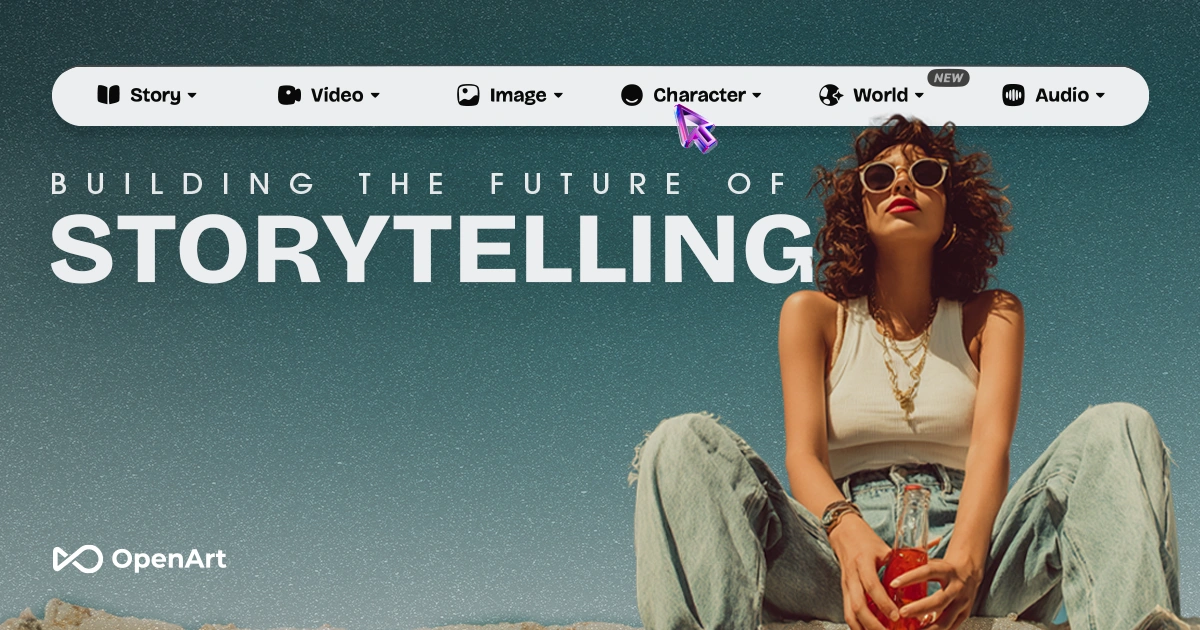
OpenArt presents image, video, and audio creation. Test the specific workflow rather than treating the whole platform as one uniform model.
Compare the workflow you need
OpenArt presents a creative platform spanning images, video, and audio. Output quality and controls from one workflow should not be generalized to every tool in the catalog.
Try a constrained asset set
Start with a fictional character on a plain background. Produce another pose and compare clothing, proportions, and identifying details. When moving to video, inspect those details throughout the clip, not just in its first frame.
Keep inputs, selected tools, and export settings with each chosen asset. This makes revisions easier to compare and avoids confusing results from different generation paths.
Check production requirements early
Verify resolution, visibility, allowances, and usage terms before uploading client references. Exact product labels should come from approved artwork. Use generated concepts as reviewable drafts, not proof that the depicted product or event exists.
Sources checked: 2026-09-15. Read our editorial policy or report a correction.
Tags:
Similar to OpenArt