Recast Studio
Recast Studio works with recordings to create shorter assets. Verify transcripts and context before scheduling the results.
Start with useful source material
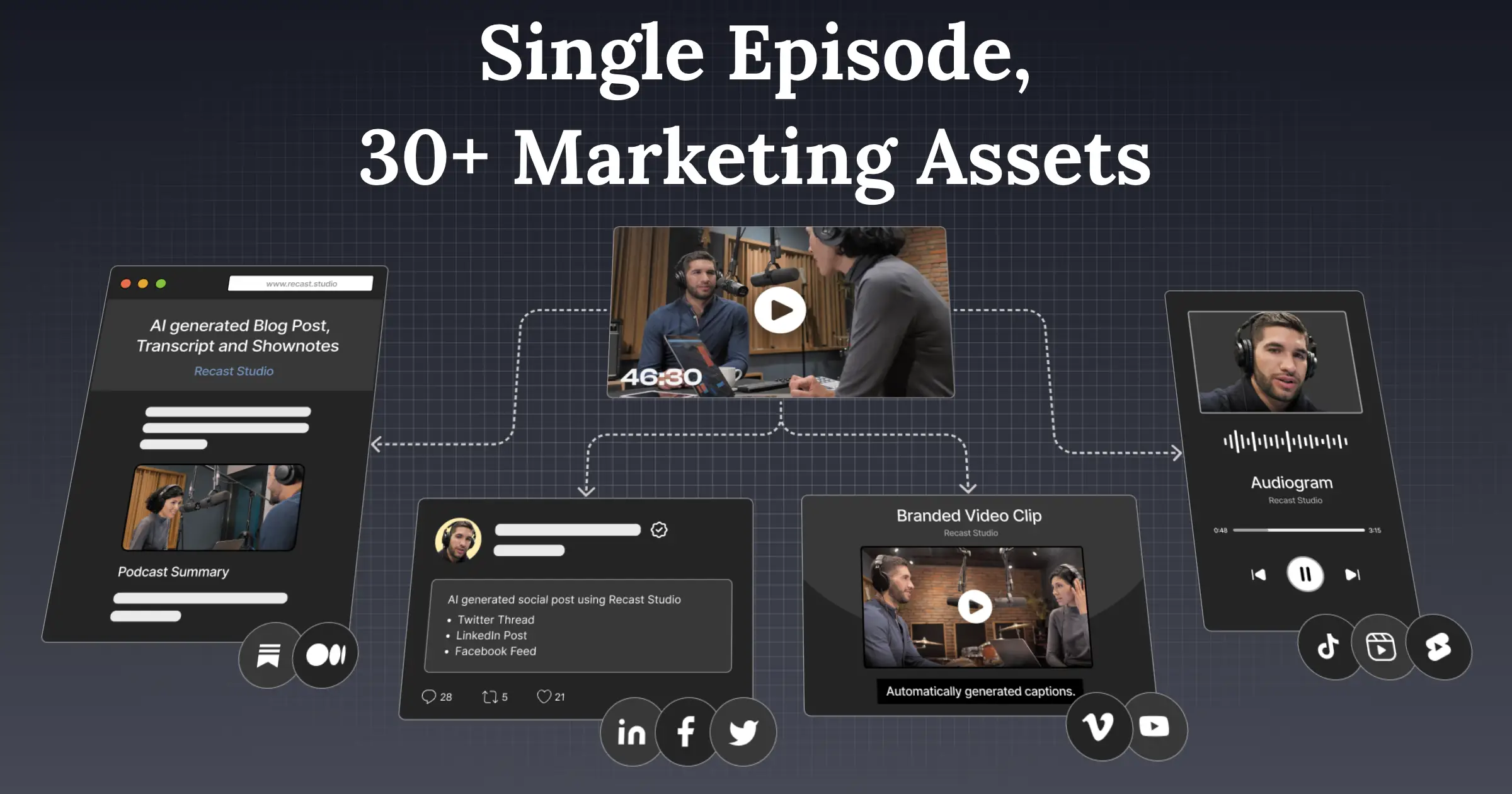
Recast Studio describes clips, captions, supporting content, branding, and publishing-related workflows. The original conversation still determines whether the resulting material has something useful to say.
Build one coherent asset set
Select a recording you own and one clear question it answers. Correct the transcript, then compare the clip and accompanying copy against that answer. They should not introduce different numbers or conclusions.
Check captions around faces and shared screens. If a clip needs a missing introduction, add context or select another segment instead of publishing an ambiguous fragment.
Keep distribution behind approval
Confirm channel, account, and time before enabling scheduling. Retain original recordings and exports independently. Measure how much material survives review, not how many posts can be generated from a single upload. Recheck links and captions after revisions to the source.
Sources checked: 2026-09-15. Read our editorial policy or report a correction.
Tags:
Similar to Recast Studio