10 Best AI Tools for Video Creation in 2026
Compare the best AI tools for video creation in 2026, from text-to-video generators to editing, avatars, dubbing, and workflow automation.
Written by Mytholyra Team
The popular advice says to find the single best AI video platform and build everything around it. That advice is already outdated. A tool that generates convincing cinematic shots may be a poor choice for trimming a webinar, while an excellent avatar platform won't help much with stylized product visuals or rapid social edits.
The better approach is to choose the video workflow before the tool. Start with the production job: generated shots, rapid editing, animated effects, presenter-led training, multilingual voice work, or prompt-to-draft automation. Then compare each option by creative control, iteration speed, editing depth, avatar and dubbing capabilities, workflow fit, export requirements, and usage limits.
That distinction matters as adoption moves into routine production. Around 63% of video marketers used AI tools to create or edit videos in 2026, up from 51% the prior year, while roughly 78% of marketing teams used AI-generated video in at least one campaign per quarter, according to 2026 AI video adoption data. More teams are buying tools for repeatable workflows, not just impressive demos.
Mytholyra helps narrow that crowded market with a curated directory of AI tools across video, writing, images, coding, marketing, and related workflows. You can compare listings, follow new additions through its newsletter and RSS feeds, and use the blog to keep up with fast-moving categories. The list below organizes the best AI tools for video creation by the job they perform best, rather than pretending every platform solves the same problem.
1. Runway
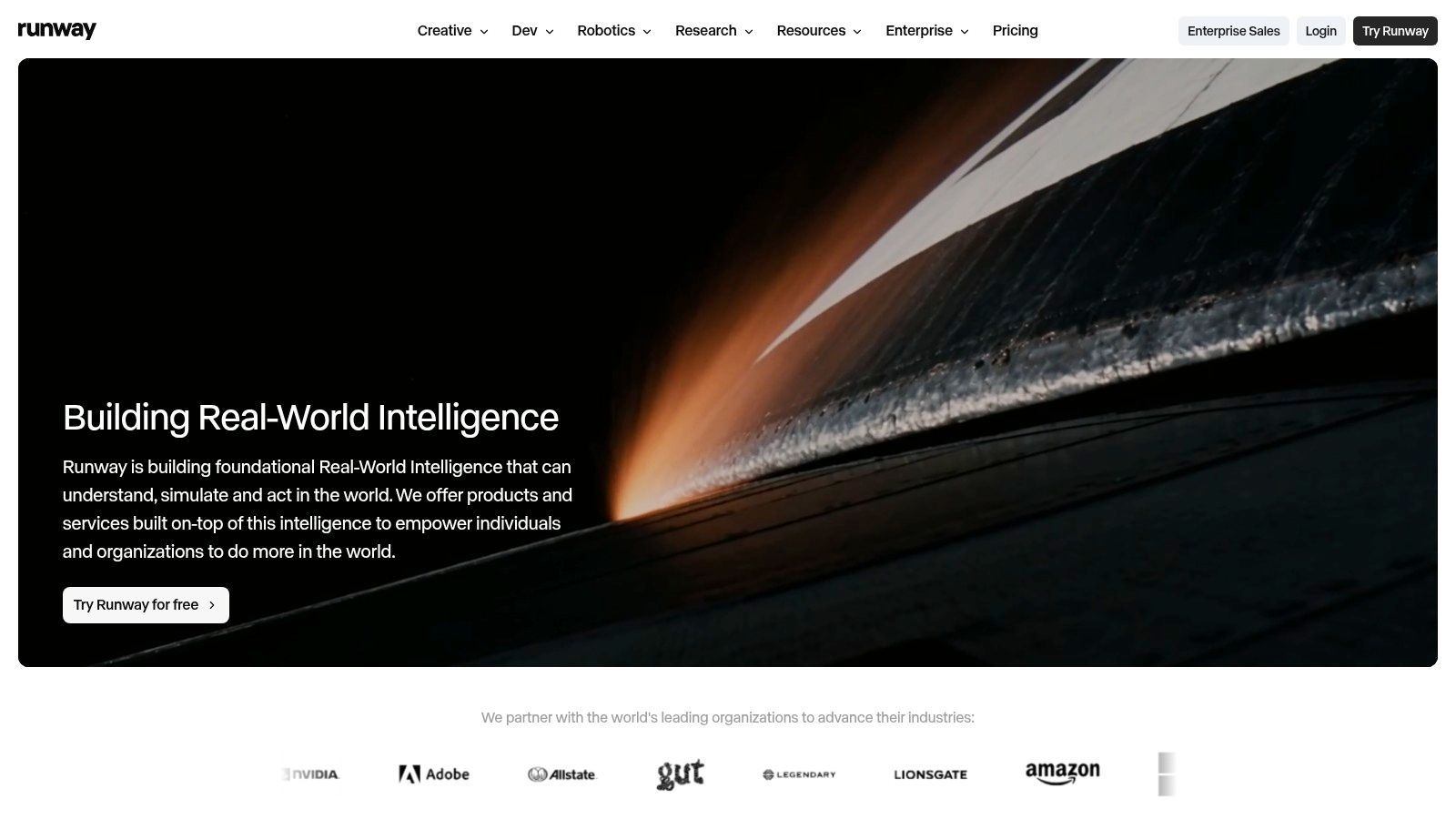
Runway is the strongest fit here for creators who need generated shots plus meaningful control over motion and style. Its text-to-video and image-to-video workflows support concept development, shot exploration, motion design, and effects work without forcing every idea through a generic prompt box.
The platform's control layer is the important part. Motion Brush, camera controls, and Director Mode give you more ways to guide movement, framing, and visual direction. That makes Runway useful when a rough visual concept isn't enough and you need to iterate toward a specific shot. Its newer endpoints also support 1080p outputs, while the browser editor adds masking, keyframes, audio, asset management, and export tools.
Where Runway works best
Runway makes sense for filmmakers, motion designers, agencies, and creative teams that want to keep generation and editing in one environment. It can reduce the friction between exploring a shot and turning that shot into a usable sequence. The API and active model updates also make it more suitable than a purely consumer-facing generator when a team wants to connect video creation to a larger production system.
The trade-off is cost control. Credit-based usage can become expensive when you generate many alternatives, use newer models repeatedly, or keep revising a sequence. You should estimate the number of failed generations and exploratory passes, not just the number of final clips.
Practical rule: Use Runway when creative direction matters more than one-click convenience. If you mainly need automatic captions and social resizing, you're paying for control you may not use.
For a deeper look at how teams can assess AI-generated footage, compare Runway with the evaluation methods discussed in AI video analysis tools. It's a better match for users who care about repeatable visual decisions, not just a striking first result.
2. Luma AI Dream Machine
Luma AI Dream Machine earns its place through realistic motion and coherent short clips. It's a practical choice when the visual target is photorealistic, cinematic, or physically believable, but the team still wants a consumer-friendly interface rather than a complex production setup.
You can begin with text or an image, then use video extension, outpainting, and aspect resizing to develop a clip beyond its initial frame. That makes Dream Machine useful for social assets, visual experiments, mood pieces, and short product concepts. Access through the web, mobile app, and marketplace integrations also gives creators several ways to fit generation into an existing routine.
The main limitation is sequence length. Generation minutes and credits can constrain longer projects, so Dream Machine works better as a shot generator than as a complete long-form production environment. Quotas and pricing may also differ by access channel, which makes direct comparison harder if a team uses more than one route.
The right audience for Dream Machine
Choose it when your priority is motion coherence with minimal setup. A solo creator who needs a convincing visual insert can get more value from a focused generator than from a full editor packed with features they won't touch. It's also a sensible option for teams testing several visual directions before committing to live production.
Don't treat it as a replacement for an editing system. You'll still need a separate workflow for precise sequencing, captions, brand treatment, audio mixing, and version control. Dream Machine can create the raw material quickly, but the final communication still depends on editorial judgment.
3. Pika
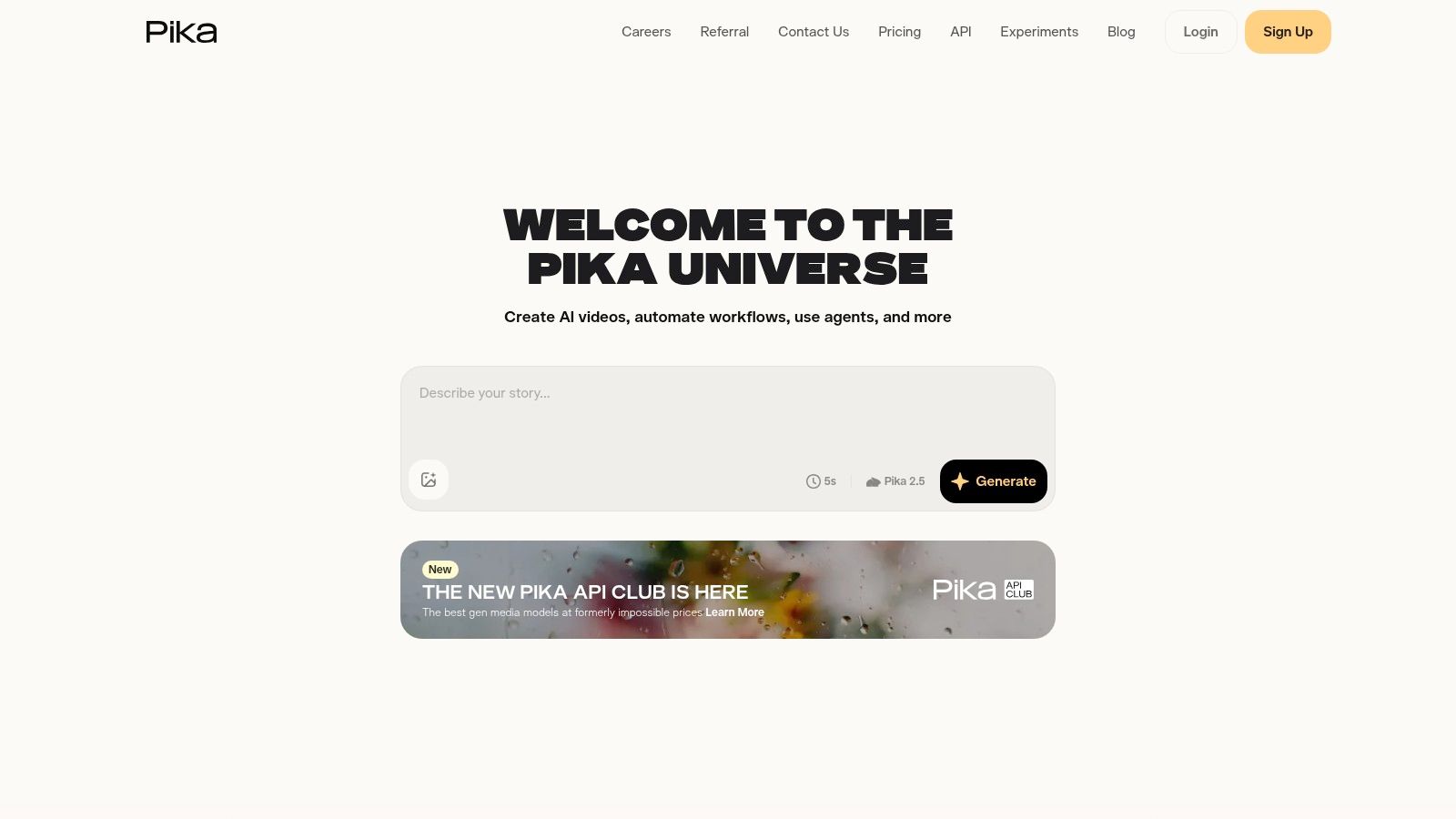
Pika is built for creators who want to try ideas quickly, transform existing visuals, and produce attention-grabbing social content. Its appeal isn't only text-to-video generation. The web studio also supports additions, swaps, twists, and effects through Pika Scenes, so you can keep experimenting after the first clip exists.
That post-generation flexibility changes the workflow. Instead of discarding an imperfect output and starting over, you can alter an object, introduce an effect, or push the style in a new direction inside the browser. Multiple model versions give creators room to balance speed, quality, and experimentation, while credit-based plans make it approachable for smaller projects.
What Pika doesn't solve
Pika is less convincing as a controlled production system for demanding sequences. Base tiers may restrict resolution and duration, and the best quality or newest features often sit behind higher plans. That can become frustrating when a social concept works creatively but needs additional output quality for a client, campaign, or platform specification.
The tool is at its best when iteration speed matters more than continuity across a long narrative. Use it for stylized animation, memes, visual hooks, short ads, and quick concept tests. A creator can generate several directions, keep the strongest idea, and finish the edit elsewhere if the browser studio doesn't provide enough timeline depth.
Use Pika for ideas that need energy and variation, not for a production where every frame must obey a detailed shot plan.
Its lower entry barrier makes it useful for creators who are learning generative video. More experienced teams may still keep Pika in the stack as a rapid ideation tool while reserving a higher-control platform for final shots.
4. Synthesia
Synthesia is a training and communications platform first, not a cinematic generator. It's a strong choice for onboarding, internal education, software walkthroughs, compliance communication, and localized explainers where a consistent presenter is more valuable than elaborate visual spectacle.
The platform offers 125+ avatars, with higher counts available on advanced tiers, and supports translations into 80+ languages, according to the product information supplied for this comparison. Branding kits, collaboration tools, and SCORM export address the problems that usually appear after a video is generated: keeping content consistent, getting it approved, and delivering it through a learning management system.
Why enterprise workflow matters
A presenter-led video is rarely finished when the avatar renders. Learning teams need brand controls, review processes, localization, permissions, and a reliable path into existing training infrastructure. Synthesia handles more of that surrounding workflow than a pure text-to-video application.
The compromise is creative range. You're choosing from an avatar-centered format, so it won't replace Runway for expressive camera work or Luma AI for photorealistic generated scenes. Credit-based quotas can also restrict volume, while custom avatars and advanced options require higher or enterprise tiers.
If your organization needs a structured learning workflow, the related guide to AI video creation tools offers useful context for comparing avatar platforms with broader creation suites. Pick Synthesia when clarity, consistency, and localization matter more than visual novelty.
5. HeyGen
HeyGen covers a wider range of presenter use cases than a narrowly focused training platform. It combines avatar videos, AI dubbing and translation, face swap functionality, and API access, making it useful for marketing explainers, product communication, personalized outreach, and multilingual content.
The strongest reason to choose HeyGen is breadth. A marketing team can create a presenter-led video, adapt it for another language, and explore face-based transformations without moving through several disconnected tools. Self-serve and pay-as-you-go billing also give smaller teams more flexibility than a platform designed only around enterprise contracts.
That flexibility introduces a planning problem. Credits and usage limits vary by plan, and enterprise-grade requirements may involve custom pricing. Teams should define whether they're buying for occasional campaign work, steady localization, or an API-driven system before comparing subscription tiers.
HeyGen versus Synthesia
Synthesia is the clearer fit when learning management, structured training, brand governance, and corporate collaboration drive the decision. HeyGen is more versatile when the same team needs marketing-facing presenter content, dubbing, and experimentation in one interface.
Neither tool should be judged by avatar realism alone. Check voice quality, translation review, pronunciation of product terms, export settings, and how easily an editor can correct a script after rendering. A polished avatar with an incorrect technical phrase still creates rework.
HeyGen is a sensible shortlist candidate for agencies and growth teams that need many content formats. It's less suitable when the project depends on live-action performance, detailed visual storytelling, or a conventional timeline editor.
6. Colossyan
Colossyan is designed around learning and development workflows, with avatars, interactive video, course authoring, translations, and LMS-friendly delivery. If the deliverable is a training module rather than a standalone marketing clip, its structure can matter more than a generator's visual novelty.
The platform lists 300+ avatars and includes course creation through Colossyan Learn. Higher tiers support SCORM export, which helps teams package video into existing learning systems. Interactive video features can also make a lesson more useful than a passive presenter recording, especially when learners need to make choices or move through a structured explanation.
Where Colossyan fits
Choose Colossyan when the production brief includes courses, enablement, onboarding paths, or interactive instruction. It gives L&D teams a more direct route from script to learning experience than a general video editor. The Starter tier can also provide a way to test the production flow before a broader commitment.
Advanced minutes, newer models, and extra team seats can increase the total cost. Unlimited minutes and enterprise-scale usage require an enterprise plan, so the buying decision should include expected course volume and the number of people who need access.
Colossyan isn't the obvious pick for social-first content or cinematic experimentation. Its strengths appear after the video is created, when the team needs to organize instruction, manage learning content, and distribute it through a formal training environment. That makes it a specialized choice, but specialization is useful when the workflow matches.
7. D-ID
D-ID focuses on talking-head video, conversational presenters, and visual AI agents. Its Creative Reality Studio supports quick avatar videos, while the API enables programmatic generation and interactive use cases such as support experiences or explainers that respond to users.
The distinction between D-ID and a standard avatar editor is workflow depth. A marketing user can create a presenter video without technical setup, but a product team can also explore API-based generation and agent integrations. Published pricing and plan-specific watermarking rules make it easier to assess the conditions attached to each route.
The practical trade-off
D-ID is a good fit when the presenter needs to be dynamic, reusable, or connected to software. It can support a spokesperson video, an interactive product explainer, or an early conversational-agent prototype. Its API and documentation are more relevant to engineering teams than a platform intended only for manual exports.
Some tiers apply watermarks, and longer videos may be capped depending on the plan. Those restrictions can matter if you're preparing client-facing material or building a high-volume automated pipeline. Test the exact export path you'll use, rather than assuming the studio experience reflects API limits.
D-ID shouldn't be your first choice for deep editing or generated cinematic scenes. It solves the presenter problem well, but it doesn't replace a dedicated editor, a shot generator, or a learning platform with course packaging.
8. Descript
Descript fits teams editing existing recordings through text rather than generating every shot from scratch. Its transcript-based workflow works well for tutorials, podcasts, interviews, product demos, and long recordings that need shorter social versions.
Delete words from the transcript to cut the matching video, generate captions, remove filler words, translate subtitles, or make targeted corrections with AI voice cloning. Screen and camera recording, multitrack projects, and collaboration keep recording, editing, and review in one browser-based workspace.
Why repurposing changes the buying decision
A pure generator begins with a blank canvas. Descript begins with content you already own, which suits creators and marketing teams with webinars, podcasts, interviews, or recurring educational recordings. Independent 2026 tool roundups place Descript alongside Opus Clip and Captions for turning long recordings into short, captioned clips. That distinction matters because generation and repurposing solve different production jobs. The 2026 AI video generator workflow comparison provides a broader comparison, while this guide to using AI tools in a production workflow can help teams plan the handoffs.
The main constraint is credit usage. Frequent transcription, overdub, captioning, and other AI operations can consume credits quickly on lower tiers. Track those actions against your actual publishing schedule before choosing a plan.
Descript does not replace a professional timeline for intricate compositing or detailed motion design. For spoken content, however, its text-first model removes much of the repetitive cutting that slows conventional editing. Choose it for repurposing and dialogue-led work, not cinematic generation or advanced visual finishing.
9. VEED
VEED brings generation, editing, captioning, brand management, and collaboration together in a browser. It's a strong option for social, marketing, and training teams that want one shared workspace rather than a separate generator, subtitle tool, and lightweight editor.
Its AI stack includes avatars and presenters, text-to-video generation, auto-subtitles, voice and dubbing features, and stock media integrations. Brand kits help standardize recurring content, while team workspaces support collaboration and review. The value comes from reducing handoffs, especially when several people contribute to one content pipeline.
VEED's advantage is operational
VEED won't provide the deepest creative control of a specialist generator or the most advanced editing depth of a desktop post-production suite. Its advantage is that a team can generate, edit, subtitle, brand, and export without changing applications. That makes it practical for recurring campaign content where consistency and turnaround matter.
Generative limits and daily caps vary by plan, and high-volume generation requires careful plan selection. A team that only creates occasional clips may find the limits manageable. A social department producing many variations should test a representative week of work, including failed generations and revisions, before selecting a tier.
VEED is particularly useful when several outputs share a format. Build a brand treatment once, reuse captions and visual elements, and keep the final adjustments in the same editor. It's less compelling when the project needs shot-by-shot cinematic direction, complex compositing, or extensive offline editing.
10. InVideo AI
InVideo AI is designed to move a non-editor from a natural-language prompt to a complete multi-minute draft. Its agent workflow can develop a script, assemble scenes, select stock media, add voice options and music, and produce a structured first version for marketing, YouTube explainers, and ads.
The practical strength is speed at the assembly stage. You don't need to manually source every clip or construct the initial sequence before judging whether the idea works. Team collaboration and production workflow tools also make it easier to pass a draft through review instead of keeping the entire process with one operator.
What slows production down
The same credit model that makes usage understandable can become a constraint during revision. Heavy prompting, repeated scene changes, premium assets, and feature-rich outputs may consume quotas quickly. Treat the first generation as a draft, then decide which edits are worth making inside InVideo and which are faster to complete in another editor.
InVideo AI is a good match for faceless videos, B-roll-heavy explainers, social channels, and marketers who don't want to edit from scratch. It isn't the best choice when you need precise control over every generated frame, consistent characters across complex sequences, or detailed post-production.
Prompt-driven editing also has a learning curve. Natural language can speed up simple changes, but you still need to inspect the final cut for pacing, factual accuracy, asset relevance, captions, and voice pronunciation. Automation gets you to a reviewable draft. It doesn't remove the review.
Top 10 AI Video Creation Tools, Feature & Pricing Comparison
| Tool | Core features ✨ | Quality ★ | Best for 👥 | Price/value 💰 |
|---|---|---|---|---|
| Runway | Text/image→video; Motion Brush & Director Mode; in‑browser editor | ★★★★☆ 🏆 industry controls | Motion designers, VFX, prototyping | 💰 Credit‑based; can be costly at scale |
| Luma AI Dream Machine | Photoreal text/image→video; outpainting; web & mobile | ★★★★☆ strong realism | Creators needing photoreal short clips | 💰 Minutes/credits; pricing varies by channel |
| Pika | Pika Scenes (Add/Swap/Twists); web studio; multiple models | ★★★☆☆ fast iteration | Social creators, quick stylized edits | 💰 Lower entry cost; higher tiers for quality |
| Synthesia | 125+ avatars; 80+ languages; branding & SCORM export | ★★★★☆ 🏆 enterprise localization | L&D, corporate comms, localized explainers | 💰 Credit quotas; enterprise pricing for customs |
| HeyGen | Avatar presenter videos; dubbing/face swap; API | ★★★☆☆ versatile toolset | Marketing teams, product explainers | 💰 Subscription or pay‑as‑you‑go; tiered limits |
| Colossyan | 300+ avatars; interactive courses; SCORM support | ★★★☆☆ L&D‑focused | Training teams, course authors | 💰 Free starter; enterprise for unlimited minutes |
| D‑ID | Talking‑head studio; API for agents; realtime support | ★★★★☆ mature API | Spokespeople, conversational visual agents | 💰 Published tiers; some plans watermark outputs |
| Descript | Text‑based editing; overdub voice cloning; auto‑captions | ★★★★☆ 🏆 time‑saver for editors | Podcasters, educators, repurposers | 💰 Free tier; clear pricing; heavy AI uses cost |
| VEED | AI avatars & T2V; auto‑subtitles; brand kit & teams | ★★★☆☆ all‑in‑one web editor | Teams making social/marketing videos | 💰 Multiple plans incl. enterprise; generative caps |
| InVideo AI | Agent prompts → multi‑minute drafts; stock & voices | ★★★☆☆ fast prompt→draft workflow | Non‑editors, marketers, YouTubers | 💰 Credit model; premium assets raise costs |
Build a Shortlist You Can Actually Use
The best AI video tool depends on the job you need finished. For generated shots and creative experimentation, start with Runway, Luma AI Dream Machine, or Pika. Runway gives you the strongest combination of motion direction, style controls, and integrated editing. Luma AI is a good choice when short clips need realism and coherent movement. Pika is better for fast, stylized iteration and browser-based effects.
For editing and repurposing existing content, look first at Descript or VEED. Descript is the more distinctive option for spoken footage because the transcript becomes the editing surface. VEED is the broader browser workspace for teams that need generation, captions, brand tools, collaboration, and exports in one place. If your main source is long-form content, don't automatically buy a pure generator. A repurposing tool may produce more useful output from the footage you already have.
For presenter-led training and localized communication, compare Synthesia, HeyGen, Colossyan, and D-ID by workflow rather than avatar appearance. Synthesia suits structured enterprise learning and localization. HeyGen is more flexible for marketing, dubbing, and mixed use cases. Colossyan is built for interactive learning and course packaging. D-ID deserves attention when API access, conversational presenters, or visual agents are part of the brief.
Choose InVideo AI when you need prompt-to-draft production and don't want to assemble every scene manually. It can be an efficient starting point for explainers, ads, and faceless content, but the draft still needs editorial review.
Before committing, run one representative project through each finalist. Track failed generations, revision cycles, caption corrections, export quality, collaboration steps, and credits consumed. Also verify watermark rules, duration limits, localization needs, LMS or API requirements, and whether the final file works on the channels where you'll publish it.
The market itself is still developing. Independent estimates place pure AI video generation at roughly $716.8 million in 2025, between $847 million and $946.4 million in 2026, and around $3.35 billion by 2034 in one forecast, while another projects about $3.44 billion by 2033. A broader category that includes editing, captioning, and avatar workflows estimates $3.67 billion for 2026, showing why buyers should compare complete workflows instead of isolated model demos, as summarized in AI video generation market data.
Mytholyra can help you keep that shortlist current. Browse its AI Video directory, compare alternatives, and follow new listings through the newsletter, RSS feeds, and blog instead of repeatedly restarting your research from vendor pages.
Visit Mytholyra to compare curated AI video tools alongside options for editing, avatars, audio, marketing, and related workflows. Subscribe to its newsletter or RSS feeds to follow new listings and updates as video platforms change.